The keypad at your gate has to reach your facility management software somehow. Whether it does that over a cellular network or a hardwired internet connection decides what the install costs, what happens the next time service drops, and whether a gate at the far end of the property is practical at all. The right answer is not always the same one. It depends on what already reaches the entrance and what you are willing to run to get there.
The short answer
Go cellular when you are retrofitting an existing gate where running new conduit is the problem, or when the site has no internet and you do not want to purchase it. A cellular keypad needs only a 110-volt power outlet and a low-voltage wire to the gate operator. No trench, no CAT6 cable, no internet plan for the gate.
Go hardwired when the site already pays for internet at that location and a CAT6 cable run to the gate is straightforward. The upfront cost is higher if you need to trench, but the monthly cost is lower because there is no cellular data plan built into the hardware. It costs less to run over the long haul, because there is no cellular data plan in the price.
The practical test is the conduit, not the distance. If you would have to rerun or update conduit to get a CAT6 cable to the gate, go cellular. If conduit to the gate is already something you can run and the router is within 300 feet, hardwired is a good option.

When a hardwired keypad is the right call
A hardwired keypad makes sense when internet already reaches the building nearest the gate and the distance is short enough that running a CAT6 cable is not a major project. If the gate is close to the office and the ground between them is paved or landscaped in a way that makes trenching manageable, the install cost stays reasonable. Power over Ethernet carries both data and power on a single CAT6 cable, so there is one wire to pull and one connection to protect.
Hardwired also wins on long-term operating cost. The hardware itself has no cellular radio and no data plan baked into the price, so the monthly cost to run it is lower than a cellular keypad. If the facility already pays for internet service and the gate is close enough to reach with a cable, the running cost stays lower for as long as you own it.
When a cellular keypad is the right call
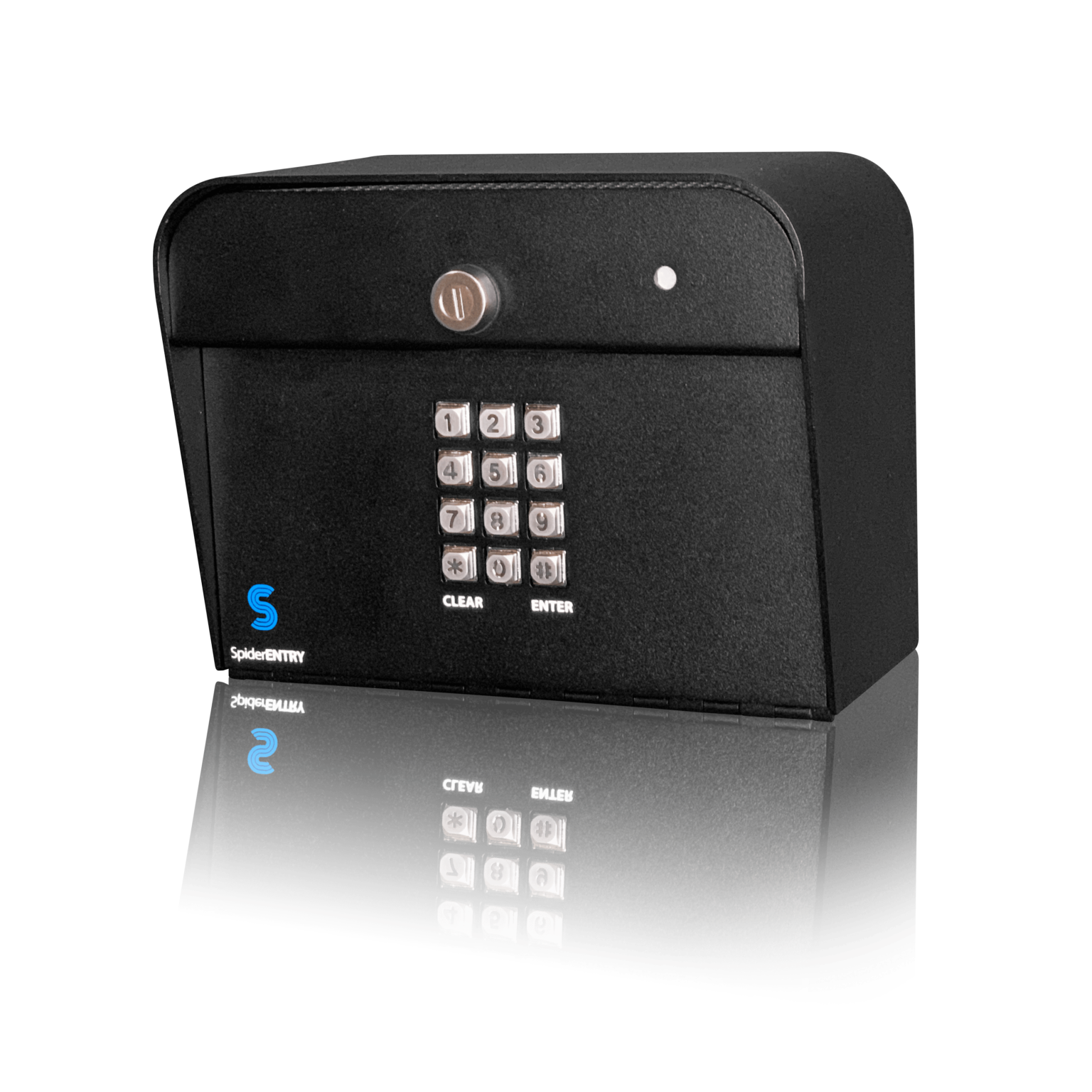
A cellular keypad wins when the gate is far from the nearest building, when the ground between them is concrete or asphalt, or when the site simply has no internet service and does not want to add it. These are common in self-storage. Retrofitting that gate with a hardwired connection means trenching conduit, pulling cable, and sometimes cutting through pavement. A cellular keypad sidesteps that entire cost. It syncs tenant codes and entry logs over a mobile network, so nothing from the building has to reach the entrance, including the wifi that never stretched that far. The only thing that has to reach the gate is 110-volt power. If power already reaches the entrance, the install is straightforward: mount the keypad, plug in the power adapter, and connect the low-voltage wire from the keypad to the gate operator. If power does not reach the entrance, there is a trench either way, and the cellular advantage narrows.
Remote sites are another clear case. A facility with no office on site, or one where the owner does not want to pay for an internet connection just to run a gate keypad, can operate entirely on cellular. The keypad comes with a data plan included, so there is no separate bill from a carrier and no contract to manage.
“Their keypad systems are easy to use, reliable, and much simpler to install compared to traditional gate access systems. The cellular connectivity is a huge advantage because it removes a lot of the headaches that come with hardwired internet setups.”
Sam Dixon, Google review

What each install actually needs on site
A cellular keypad needs a 110-volt power outlet at the gate and a low-voltage wire from the keypad to the gate operator. The keypad ships with a power adapter that plugs into a standard outlet. The data connection runs over the mobile network. No CAT6 cable, no conduit back to a building, and no onsite internet service are required.
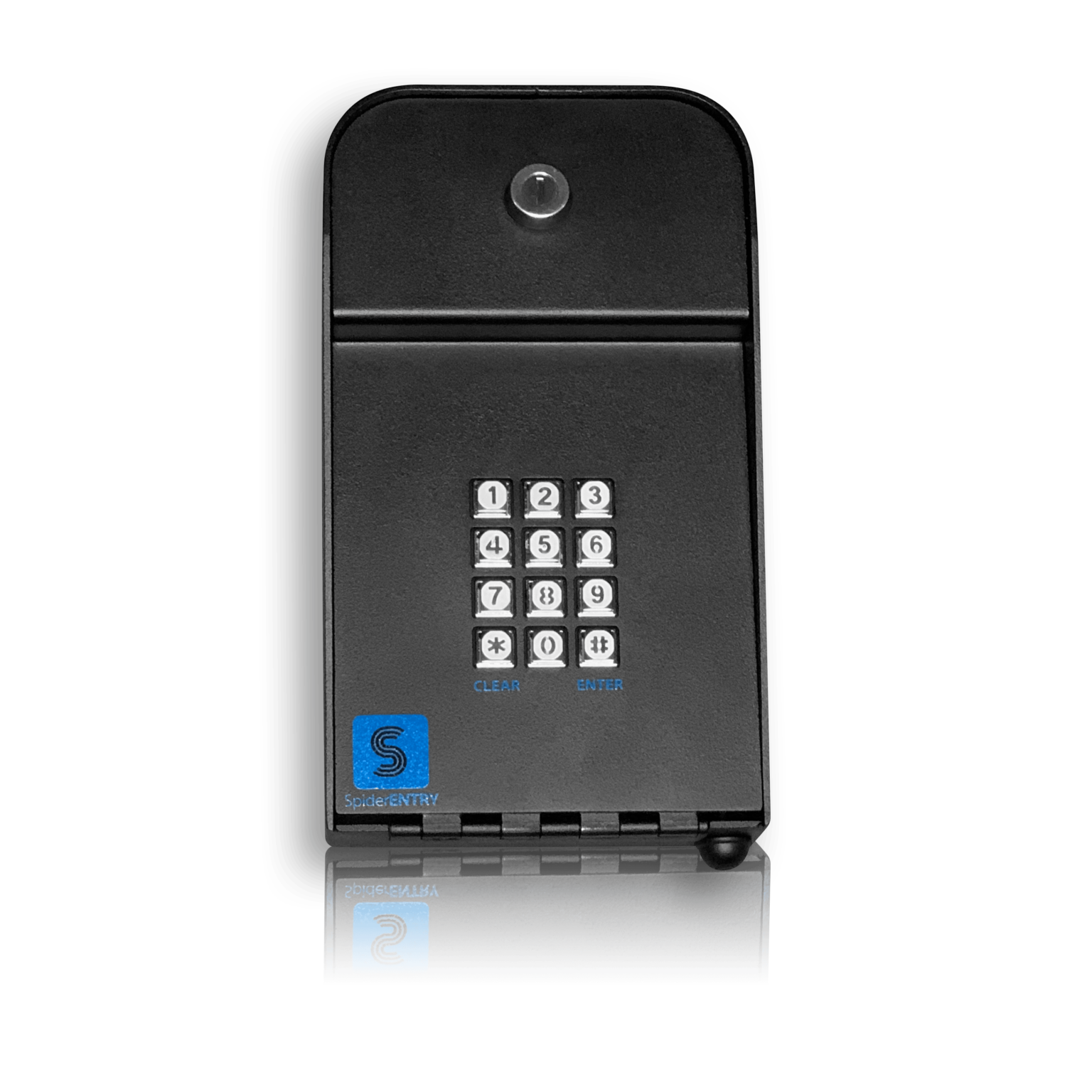
A hardwired keypad needs onsite internet service and a CAT6 cable run from the network to the gate. That internet can arrive at the building however it already does, over wifi or over a wired line, but the run out to the keypad itself is CAT6 carrying both power and data. The cable carries both power and data using Power over Ethernet, so one wire handles everything. The keypad connects to the facility’s network the same way a computer or a VoIP phone would.
A cellular keypad skips the data trench. It does not skip the power trench. If the gate entrance has no power outlet, running 110-volt power to the gate still requires conduit and excavation. The cellular advantage is real only when power already reaches the entrance.
What the trench costs, and what changes month to month
Trenching is the cost that swings this decision, and what it costs depends less on distance than on what you are digging through. Published US cost guides put open-ground trenching at roughly $5 to $12 per linear foot, asphalt at $12 to $24, and concrete at $15 to $30, with surface restoration adding another $4 to $12 on top. Those are national consumer-guide figures rather than a bid, and a long commercial run can come in lower per foot than a short one, so use them to size the job and not to price it.
What that means in practice is that a gate at the far end of a paved yard is a different project from a gate the same distance across open dirt. The surface decides it, not the tape measure. Get a local contractor to price the actual run before you commit either way. A cellular keypad avoids the question entirely, because it needs only a power outlet and a low-voltage wire to the gate operator.
On the ongoing side, a cellular keypad includes a cellular data plan in what you pay to run it, so its recurring cost is higher. A hardwired keypad has no data plan, so its recurring cost is lower, and it rides on internet service the site is already paying for.
So a site already paying for internet, with a cable run it can manage, spends less to run a hardwired keypad. A site that would have to trench is trading a one-time excavation bill for a lower recurring one, and where that lands depends on how long the trench would be.
What happens when the internet goes out
The tenant codes are stored in the keypad itself. If the site’s internet connection drops, tenants can still enter their codes and the gate still opens. What stops working is anything that requires a live connection back to the facility management software. Changing a code remotely, adding a new tenant, removing an old one, and opening the gate from an app all need the connection to be restored. The gate does not stop opening for people who already have valid codes.
This applies to hardwired keypads. A cellular keypad does not rely on the site’s internet at all, so a building internet outage has no effect on it. The cellular connection is independent of whatever internet service the office uses.
Power is a different question from internet. The keypad runs on 110-volt power and so does the gate operator. If the site loses power, the gate operator stops working regardless of the keypad, so the connection type makes no difference to it. Keeping an entrance running through a power cut is a backup power decision for the entrance as a whole, not something a keypad solves.
The data plan is included, and the keypad is not locked to one carrier
A common misconception is that cellular gate access means buying a separate mobile data plan for each keypad and managing a contract with a specific carrier. That is not how SpiderDoor works. The cellular data plan is included with the keypad. There is no separate bill and no carrier contract to negotiate.
The keypad is carrier agnostic, running on whichever provider has the best signal at the gate. That is settled before it ships, so the operator never picks a carrier or signs anything with one.
The one thing to check before ordering a cellular keypad is signal strength at the gate itself, not at the office. Good reception on a phone is not proof, since the keypad’s plan may run on a different carrier than the one your phone uses. Test the signal at the gate entrance itself.
Cellular vs hardwired at a glance
| What to compare | Cellular keypad | Hardwired keypad |
|---|---|---|
| What has to reach the gate | A 110-volt power outlet and a low-voltage wire to the gate operator are the only things that have to reach the gate. | A CAT6 cable carrying both power and data has to run from the facility’s network to the gate. |
| What the install needs | Only a power outlet at the gate and a low-voltage connection to the gate operator are required, with no data cable or internet service needed. | Onsite internet service and a CAT6 cable run from the network to the gate are required, with Power over Ethernet carrying both power and data. |
| Upfront cost | No data cable to trench and no conduit to run back to a building keeps the upfront cost lower. | If trenching is required, the upfront cost is higher, and what drives it is the surface rather than the distance. Published cost guides put open ground at roughly $5 to $12 per linear foot against $15 to $30 for concrete, before restoration. |
| Ongoing cost | The hardware includes a cellular data plan, so the ongoing cost is higher. | There is no cellular data plan, and the keypad draws power over the same CAT6 cable that carries data, so the ongoing cost is lower. |
| What happens when the internet drops | A building internet outage has no effect because the keypad uses its own cellular connection, independent of whatever internet service the office uses. | Tenant codes are stored in the keypad, so tenants can still enter their codes and the gate still opens, but remote code changes and app-based gate control need the connection restored. |
| Where it does not work | A cellular keypad does not work at a gate with no usable mobile signal, and a signal check at the entrance itself is necessary before ordering. | A hardwired keypad does not work when the gate is far from the nearest building and the cost of trenching conduit makes the install impractical. |
Three things worth knowing before you order
Controlling both entry and exit requires two separate keypads because each keypad operates independently. One keypad at the entry gate and one at the exit gate communicate separately with the facility management software. A single keypad cannot control two gates.
Parts are replaceable without swapping the whole keypad. The construction is simple, and if a component fails, the specific part can be replaced rather than the entire unit.
Tenant codes are managed in the facility management software rather than uploaded by hand at the keypad. SpiderDoor keypads work with most self-storage management platforms, including SiteLink, storEDGE, Syrasoft, Storage Commander and Self Storage Manager. When a tenant is added or removed in the software, the change syncs to the keypad automatically. There is no manual upload step and no need to visit the gate to update codes.
Which keypad you are actually ordering
Once you decide on the connection type, the model name is straightforward. The S23c is SpiderDoor’s cellular gate access keypad, and it connects to your management software over a mobile network with the data plan included. It needs a 110-volt power outlet and a low-voltage wire to the gate operator. The S23i is the hardwired gate keypad. It connects over a single CAT6 cable using Power over Ethernet, so one cable carries both the power and the data. The S23i and the S44i are steel. The S33i is carbon fiber. The S44i and the S33i are the smaller units, designed for building access but usable at a gate as well. Every keypad has an override key so emergency services can bypass it. If you are not sure which one your gate needs, the answer usually comes down to what is already in the ground at the entrance. Tell us what is there and we will tell you which keypad fits.
Frequently asked questions
If trenching conduit to the gate would be expensive or the site has no internet, a cellular keypad avoids that entire cost. Where internet is already present and a cable run is manageable, a hardwired unit usually costs less each month because it carries no cellular data plan.
Cellular gate access control is a system where the keypad communicates with management software over a mobile data network instead of a physical cable. No internet service needs to reach the gate, though the keypad still requires electrical power and a low-voltage connection to the gate operator.
For hardwired keypads, yes. Codes remain stored on the device, so tenants can still enter and the gate opens. Functions that require a live link to the software, such as remote code changes or app-controlled opening, are unavailable until the connection returns. Cellular keypads are unaffected by a building internet outage because they use their own mobile connection.
Yes, the plan is built in. You receive no separate bill and there is no carrier contract to sign. The keypad automatically connects to the network with the strongest signal at your gate, so you never have to pick a carrier yourself.
The installation is straightforward and is a DIY job for anyone who is handy. If you would rather not do it yourself, a third-party gate company or electrician can handle it. SpiderDoor does not install keypads, but it maintains a list of installers across the US and Canada and can provide contact information for a technician familiar with the equipment.
SpiderDoor keypads are built so that individual components can be swapped out, meaning a single failure does not force a full unit replacement. The keypad includes a one-year warranty and US-based phone support.
Test the signal at the gate entrance itself. Good reception on a phone is not proof, since the keypad’s plan may run on a different carrier than the one your phone uses. If you are not sure what you are looking at, call SpiderDoor support and they can help identify signal strength issues at your site.
The keypad and the gate operator both run on mains power, so a site power cut takes them down together. The gate will not open electrically either way, which means the keypad is not the limiting factor. If you need the entrance to work through an outage, that is a backup power decision for the whole entrance.
Need help choosing a keypad that fits your site?
Tell us what already reaches your entrance and we will tell you which keypad fits. Request a quote and we will come back with a recommendation.