The call comes on a Saturday. A tenant is at the gate with a loaded truck, and the keypad won’t take their code. You can’t fix it from home, so you get in the car. Your weekend plans just became a drive to the gate.
The question behind an access control system upgrade is what keeping that keypad costs. An access control system is the keypad at the gate and the logic that decides which codes it accepts. Here are six signs the keypad is past its useful life, and what each sign costs you.
1. You still walk out to the keypad to change a code
When a new tenant signs late in the day, someone walks to the gate and enters the code. A former tenant keeps a working code until someone goes out to remove it. Codes get added and removed by hand, at the keypad itself.
Every move-in and move-out costs staff time at the gate, in any weather. Former tenants keep working codes in the gap. You have to manually go to the gate to lock out a delinquent tenant.
Management software is the system an operator uses to rent units and keep track of tenants. On a SpiderDoor keypad, a code created in that software is pushed straight to the keypad. Access Storage wrote in a Google review: “We replaced an old [gate] keypad that we’d had for 15 years… no more standing in the rain and manually programming codes for an hour!”
2. The gate goes down when the office internet does
The office router drops on a weekend. Tenants can’t get in, so the owner’s phone starts ringing and someone drives over to reset things. The keypad depends on the building’s internet connection, so the gate stops taking codes when that connection drops. The cost is weekends that are not really off, tenants waiting at the gate, and repeat trips.
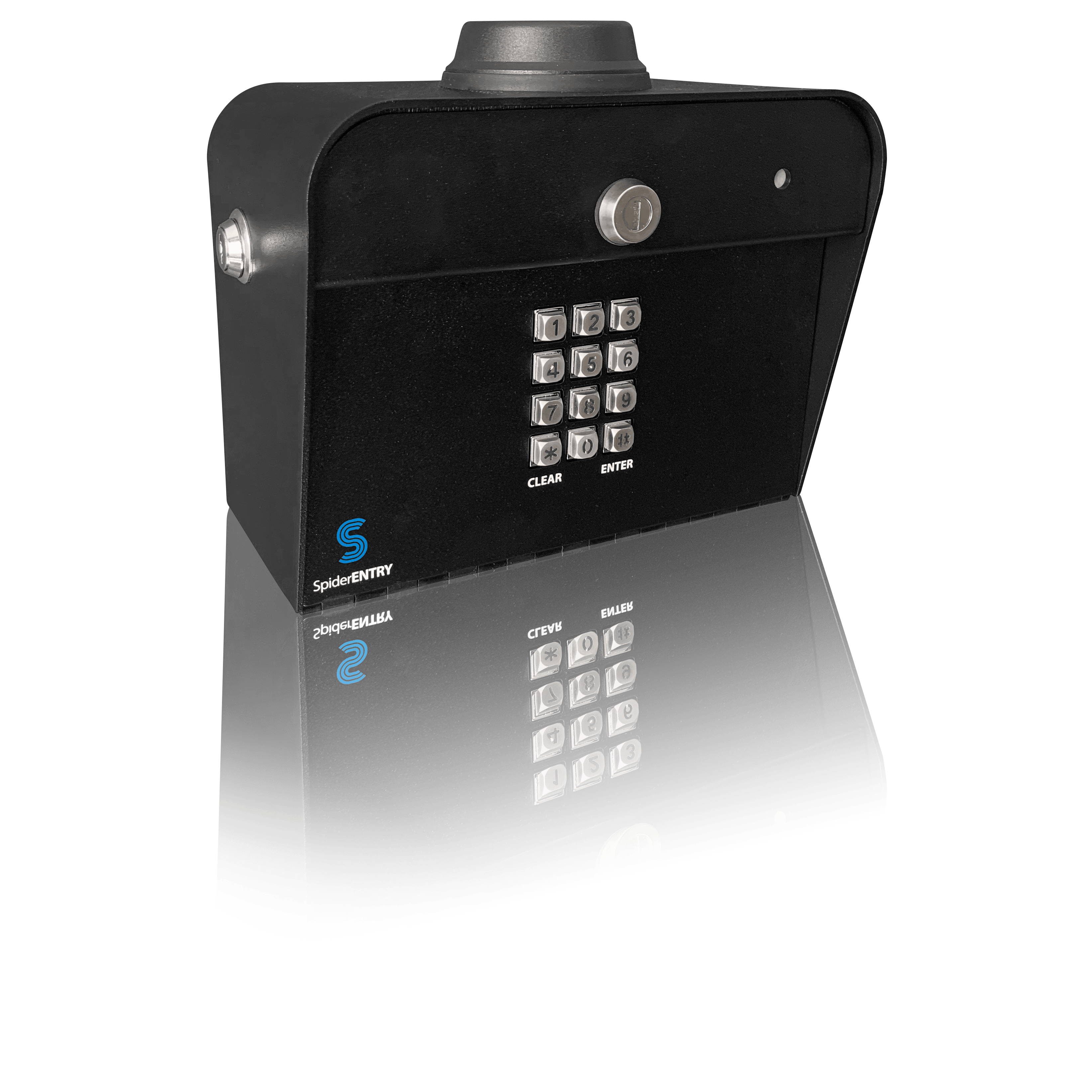
A cellular keypad connects over its own cell signal, so it keeps running if the building’s internet drops. SpiderDoor’s S23c cellular gate keypad is standalone and needs a standard 110V outlet. Sam Dixon wrote in a Google review: “The cellular connectivity is a huge advantage because it removes a lot of the headaches that come with hardwired internet setups.”
3. You can’t say which code opened the gate last night
On Monday a tenant says someone was in their unit over the weekend. The keypad may keep no record of which code opened the gate and when. If a record does exist, you can only read it at the keypad or in the office. Without a log, you can’t verify the story or give an answer.
SpiderDoor’s gate log records which code opened the gate and when. When you’re off site, it’s the only record. Assign a code to an individual unit and only that tenant’s code grants access. SpiderDoor’s manager app lets owners and managers access activity logs on their phone. Aleta Lamb-Eaton wrote in a Google review: “Each customer has their own code and we can see when they come in.”
4. Your keypad and your management software keep separate lists
A tenant moved out last week. The software shows the unit vacant. Nobody updated the keypad, so the old code still opens the gate. An operator keeps the keypad’s code list by hand, separate from the management software. That means gate access that doesn’t match who is renting, and hours spent keeping two lists in step.
SpiderDoor says its system integrates with the leading management programs in the self-storage industry. Once connected, active tenants and access permissions sync automatically. Without management software, you can set gate codes yourself in the SpiderDoor admin, where you manage codes and read logs. Kevin wrote in a Google review: “Keypads work great! Easy to install and integrates with our management software seamlessly! Would highly recommend their keypads if you need an upgrade!”
5. Your gate depends on a single cell network you don’t control
At the back of the lot, the gate sits where the one carrier the keypad uses has a weak signal. Codes fail on and off as the connection drops, leaving the gate shut when a tenant tries to enter. Your keypad relies on a single carrier. The gate is only as good as that carrier’s signal at that spot.
In 2022, the FCC consumer guide noted that AT&T, Verizon, and T-Mobile were shutting down 3G, an older cellular network, and that connected products besides phones may be using it. Carriers control their own network changes, so a keypad that relies on one carrier is subject to those changes. SpiderDoor’s keypads pull from the strongest provider in the area and can reach many others.
6. You added a location and can’t see its gate from where you are
You are at one location when a tenant at another location calls about a code. Each keypad can only be managed at its own site. When something is wrong at another site, you drive over or call whoever is working there. The cost is drive time for every location, and problems you hear about late.
The manager app shows every keypad’s status at a glance: green for a connected SpiderDoor keypad, red for a keypad that is offline. It lets you open the gate yourself from anywhere with wi-fi or a cell signal. Each location has its own log, and within an account you switch between locations in the admin to read them. Sites using different management software have separate accounts. Alison Binsfeld wrote in a Google review: “Our company transitioned to Spider Door about 2 years ago, beginning with 1 facility and then bringing over the rest of our company locations. … We wish we would have made this change before.”
Count your signs, then get a quote
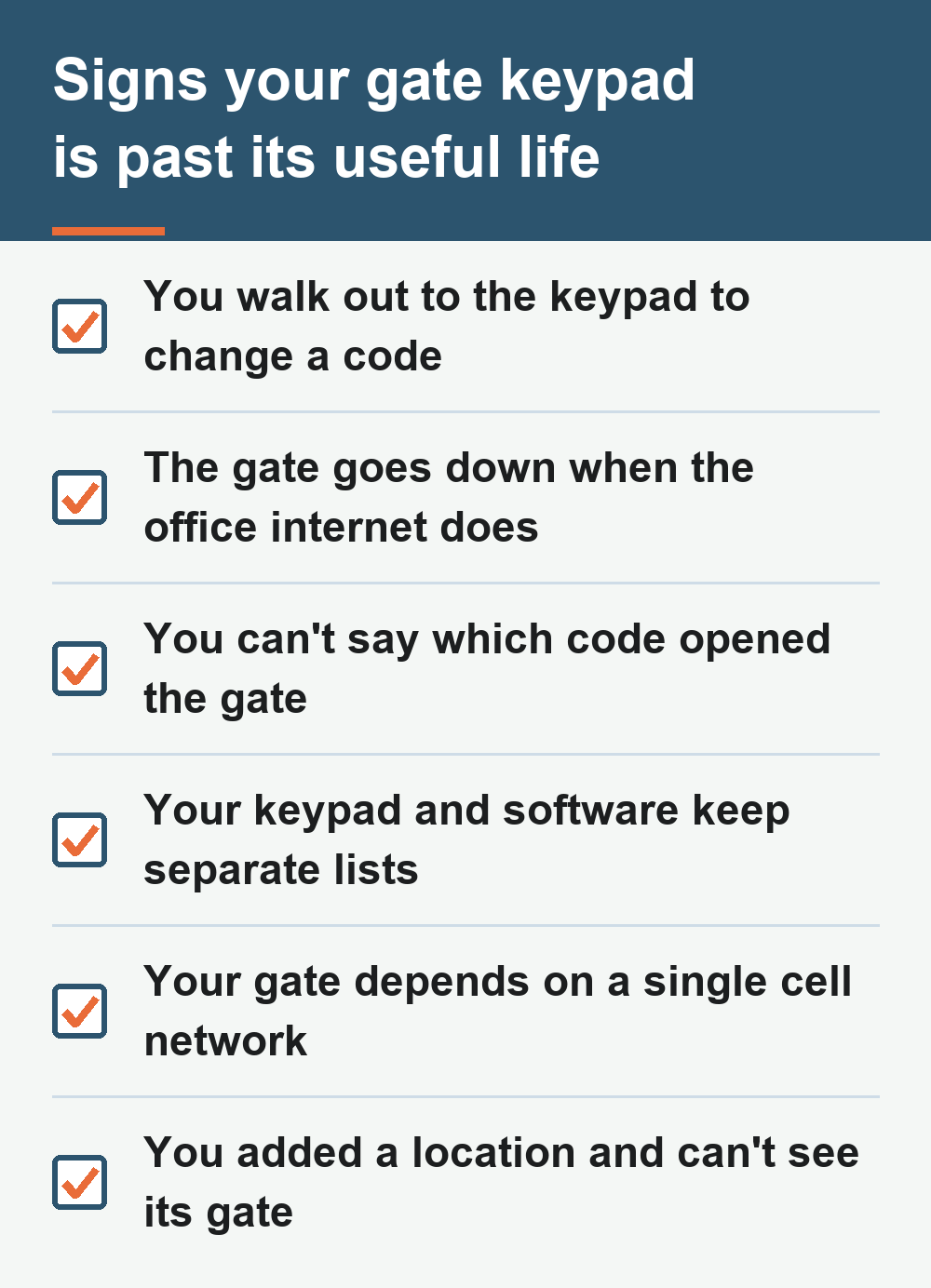
If you recognized your own site in a few of these signs, the next step is a quote for your gates. You can get a quote on an access control system upgrade.
If you have already decided and want to know how, read the tips for upgrading your access control system and see how to switch self storage access control systems without downtime.
Frequently Asked Questions
-
How do I know it’s time to replace my gate keypad?
You know it is time when you change codes manually, the gate drops with the office internet, or you cannot tell which code opened it. It may also be time if the keypad and software do not sync, the gate uses only one cell network, or you cannot view another site’s gate remotely.
-
Does a cellular gate keypad need internet at my facility?
No. A cellular gate keypad connects over its own cell signal. SpiderDoor’s S23c is a standalone cellular device that needs a standard 110V power outlet. If the building’s internet drops, cellular keypads keep running and the gate keeps taking codes.
-
Will a new keypad work with my management software?
SpiderDoor says its system integrates with the leading management programs in the self-storage industry. When a gate code is created in the management software, it is pushed straight to the keypad. If your facility doesn’t use management software, you can set gate codes yourself in the SpiderDoor admin.
-
Can I check the gate at another location without driving there?
Yes. The manager app shows a green status for a connected SpiderDoor keypad and red for a keypad that is offline. You can open the gate from anywhere with wi-fi or a cell signal. Each location has its own log, and sites using different management software have separate accounts.